
How to Read a Merchant Statement
By That Card Machine Guy

How do you read a merchant statement?
To read a merchant statement, start with three figures for the same month:
- Your total card takings
- Your total card processing fees
- Your effective card processing rate
Do not look only at the advertised percentage rate. A merchant statement can include per-transaction charges, terminal rental, PCI or compliance fees, statement fees and other monthly costs. These smaller charges can make your true cost higher than the headline rate.
A simple calculation shows the overall picture:
Total monthly card costs ÷ total monthly card takings × 100 = effective card rate
This effective rate is useful when reviewing card processing fees in the UK, comparing business card processing rates or checking whether your merchant service charges are reasonable for your business.
What does a merchant statement show?
The layout varies between payment providers, but most statements contain some combination of the following:
- Card sales or card takings
- Number of card transactions
- Merchant service charges
- Debit, credit or commercial card charges
- Per-transaction or authorisation fees
- Terminal or card machine rental
- PCI compliance or security fees
- Statement, account or service fees
- Payment gateway or miscellaneous charges
- Refunds, chargebacks or adjustments
Some statements show every charge separately. Others combine several costs into one line. If you are unsure what a line means, check your contract or ask the provider to explain it before leaving it out of your calculation.

Worked example: reading a small café or shop statement
Imagine a small café or shop receives the following merchant statement for one month.
| Statement item | Monthly amount |
|---|---|
| Total card takings | £10,000.00 |
| Per-transaction charges | £95.00 |
| Terminal rental | £25.00 |
| PCI compliance fee | £15.00 |
| Statement fee | £3.00 |
| Miscellaneous or gateway charges | £12.00 |
| Total monthly card costs | £150.00 |
The total fees are calculated as:
£95.00 + £25.00 + £15.00 + £3.00 + £12.00 = £150.00
Now calculate the effective card processing rate:
£150.00 ÷ £10,000.00 × 100 = 1.5%
The business is therefore paying an estimated 1.5% of its card takings once the listed monthly charges are included.
This is more useful than looking at the per-transaction charge alone. A quoted transaction rate might appear low, but terminal rental and fixed fees still form part of the cost of accepting card payments.
Step 1: find your total card takings
Look for a line such as:
- Total card sales
- Card turnover
- Settlement total
- Gross card transactions
- Visa and Mastercard sales
- Debit and credit card volume
Use card takings only, not your total business revenue. If your shop takes £15,000 in total sales but £5,000 is paid in cash, your card takings for the calculation are £10,000.
If the statement separates card types, add the relevant figures together:
- Debit card takings
- Credit card takings
- Commercial or business card takings
- Online or payment gateway takings, if they are on the same statement
Make sure the sales figure covers the same period as the fees. Comparing one month's fees with another month's card takings will distort the result.
Step 2: find the main processing fees
Your main card processing charge may be called:
- Merchant Service Charge, or MSC
- Processing fee
- Discount fee
- Percentage fee
- Card scheme fee
- Interchange and processor charges
On a detailed statement, the main charge may be divided between debit, credit, commercial and international cards. On a simpler statement, it may appear as one combined amount.
Add the relevant processing charges together. If the statement gives both a percentage and a total pound amount, use the actual amount charged for that month where possible.
The underlying costs can vary according to:
- Debit, credit or commercial card mix
- Card-present or card-not-present payments
- Average transaction size
- Online, keyed or manually entered transactions
- Domestic or international cards
- Your agreed pricing model
This is why your actual statement is more useful than a headline rate in an advert.
Step 3: add per-transaction charges
A per-transaction charge is a fixed amount applied each time a payment is processed. It may be described as:
- Transaction fee
- Authorisation fee
- Processing fee per item
- Gateway transaction fee
- Fixed card fee
For example, a provider may charge a percentage of each payment plus a few pence per transaction. The fixed amount can matter more for businesses with small average transactions.
A café processing 1,000 payments of £10 may pay much more in fixed transaction charges than a business processing 100 payments of £100, even if both take £10,000 in card sales.
Find the total amount charged for these fees on the statement. If only the number of transactions and the price per transaction are shown, multiply them together.
For example:
1,900 transactions × £0.05 = £95.00
Include this amount in your total monthly card costs.
Step 4: check terminal rental and card machine fees
Terminal rental is the monthly cost of using a card machine or payment terminal. It may appear as:
- Terminal rental
- Card machine rental
- PDQ rental
- Device hire
- Equipment fee
- Monthly terminal charge
In the worked example, the café pays £25.00 for its terminal.
Terminal rental is separate from transaction charges. A business may pay a monthly amount for the equipment and still pay a percentage and fixed charge on every card payment.
If you have more than one terminal, check whether the statement lists each device separately. Add all terminals used during the month, including replacement or additional devices where applicable.
Step 5: look for PCI, compliance and security fees
PCI fees relate to payment card security and compliance. They may be listed as:
- PCI compliance fee
- PCI DSS fee
- Security fee
- Compliance charge
- Data security fee
The amount and frequency depend on your agreement. Some businesses are charged monthly, while others see a quarterly or annual charge.
If the fee is billed annually, convert it into a monthly figure when comparing monthly costs. For example:
£120.00 annual PCI fee ÷ 12 = £10.00 per month
Do not automatically assume that a fee is included in the main processing rate. If it appears separately on the statement, include it in your total cost unless you are certain it relates to something unrelated to card acceptance.
Step 6: include statement, account and other monthly fees
Small fixed charges are easy to overlook. Search for lines such as:
- Statement fee
- Account fee
- Service fee
- Monthly minimum
- Gateway fee
- Software fee
- Connectivity or SIM fee
- Miscellaneous fee
- Other charges
In the café example, the statement fee is £3.00 and the miscellaneous or gateway charge is £12.00.
The key question is whether the fee is connected with accepting, processing or managing card payments. If it is, include it when calculating the true cost of card processing.
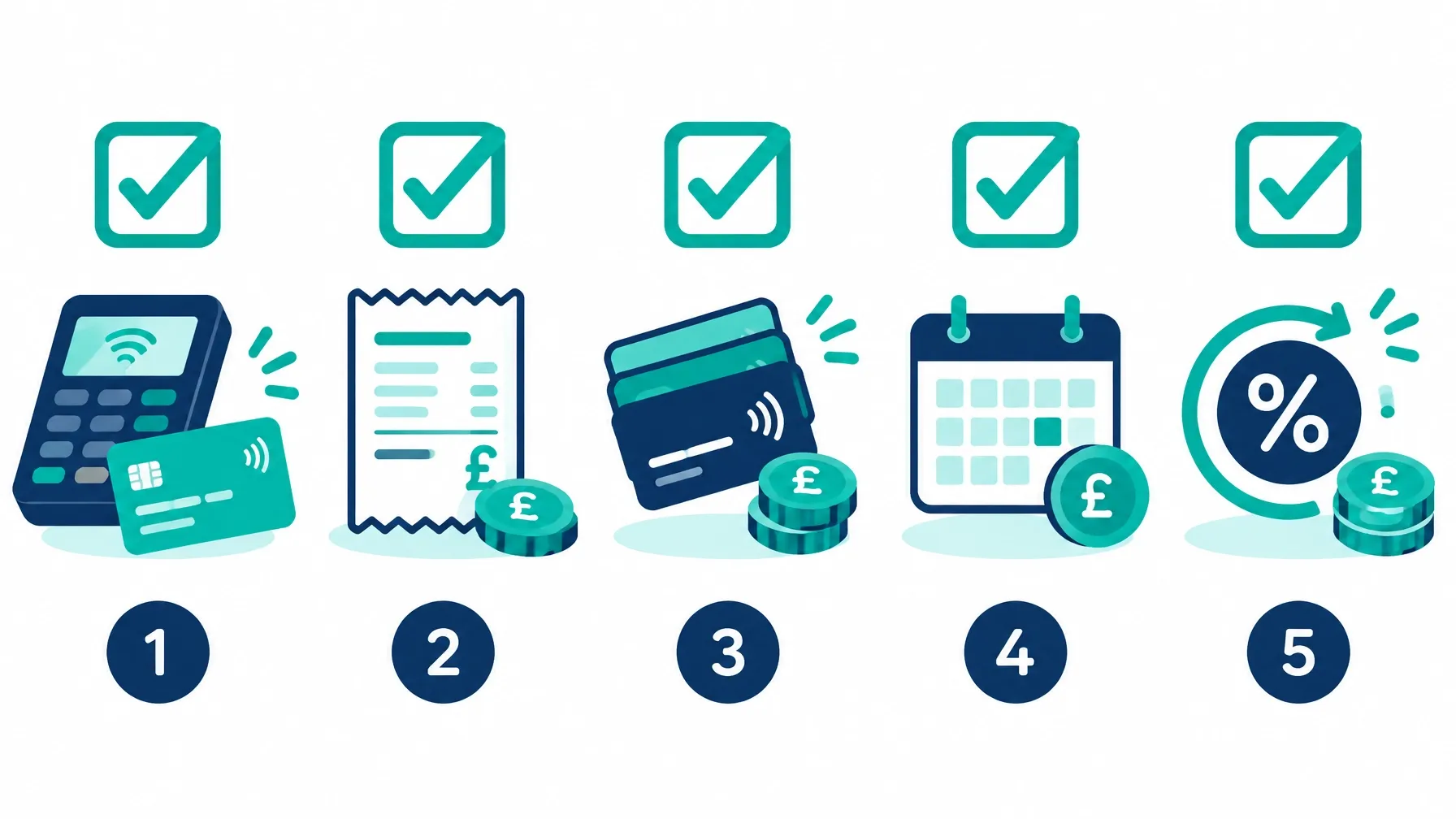
Merchant statement checklist
Use this checklist each time you review a statement:
- Confirm the statement month or billing period.
- Find total card takings for exactly the same period.
- Add debit, credit and commercial card takings if they are shown separately.
- Find the main processing or Merchant Service Charges.
- Add per-transaction and authorisation charges.
- Add terminal or card machine rental.
- Add PCI, compliance and security fees.
- Add statement, account, gateway and other monthly charges.
- Check for refunds, chargebacks or adjustments.
- Total all card-related costs.
- Divide total costs by total card takings.
- Multiply by 100 to calculate your effective card rate.
Common mistakes when reading a merchant statement
Looking only at the headline percentage
A rate such as 0.75% or 1.00% may not include fixed transaction charges, rental or monthly fees. Calculate the total cost instead.
Using total turnover instead of card turnover
Cash and other payment methods should not be included in your card processing calculation. Use the amount actually paid by card.
Mixing different months
Card takings and fees must cover the same period. Seasonal sales can make a comparison misleading if the dates do not match.
Forgetting small fixed charges
A £3 statement fee may seem unimportant, but several small charges can add up. The aim is to find the true cost in pounds and pence.
Treating an estimate as an invoice reconciliation
The effective rate calculation is a useful way to understand and compare costs. It may not match every settlement or accounting figure exactly, particularly if refunds, chargebacks, reserves or delayed adjustments appear on the statement.
Calculate your own effective card rate
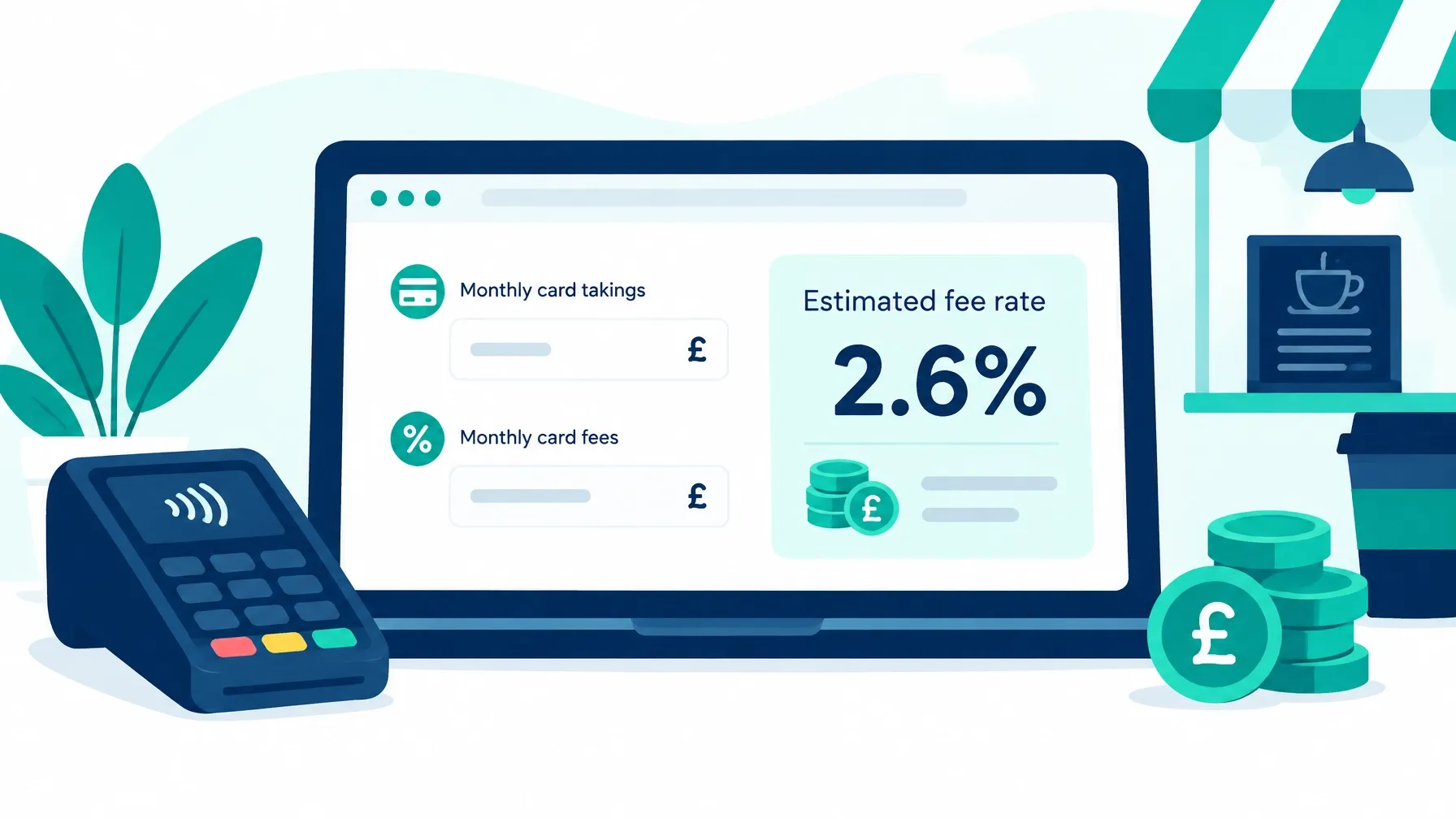
You do not need to upload your merchant statement to use CardFeeCheck's free effective rate calculator. You simply type in the figures from your statement.
For a more detailed estimate, CardFeeCheck can account for:
- Debit, credit and commercial card mix
- Percentage processing rates
- Per-transaction charges
- Terminal rental
- PCI fees
- Statement, gateway and other monthly costs
You can also enter another provider's rates and compare the estimated monthly and annual cost using the same card sales figures. This helps you compare different pricing structures fairly.
CardFeeCheck is free and independent. It does not recommend a payment provider, and calculations take place in your browser. Results are estimates based on the figures you enter, so check any quote, contract or final invoice separately.
Related guides for small businesses
Once you have read your statement, these are useful next steps:
- How to Calculate Your Effective Card Processing Rate, turn your total monthly costs into one comparable percentage.
- What Does a 1% Card Fee Cost Per Month?, see how a percentage charge translates into pounds and pence at different turnover levels.
- Card Machine Rental vs Transaction Fees, compare fixed terminal rental with charges based on each payment.
- Why a Low Headline Rate Can Still Mean a High Bill, understand percentage fees, transaction charges and fixed monthly costs.
- Back to all Card Fee Guides
The main goal is simple: do not judge your merchant account by one advertised number. Add up the complete monthly cost, compare it with your card takings and calculate the effective rate you are actually paying.
The person behind the calculator
About the author
Written by That Card Machine Guy. I run CardFeeCheck and also help UK businesses with card machines and processing costs. The calculator is free, independent and provider-neutral.